How AI agents are transforming the way software gets built
Harley Trung · CEO & Co-founder, CoderPush
A widely accepted definition today:
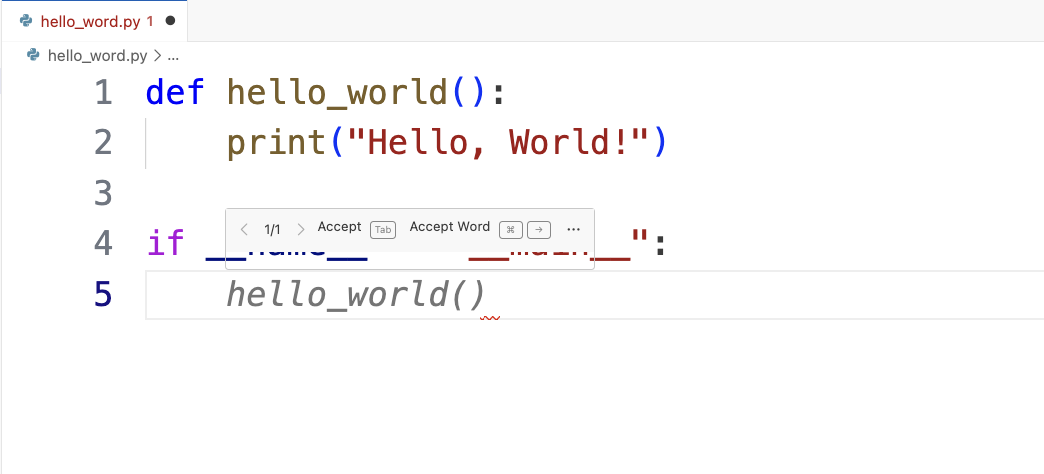
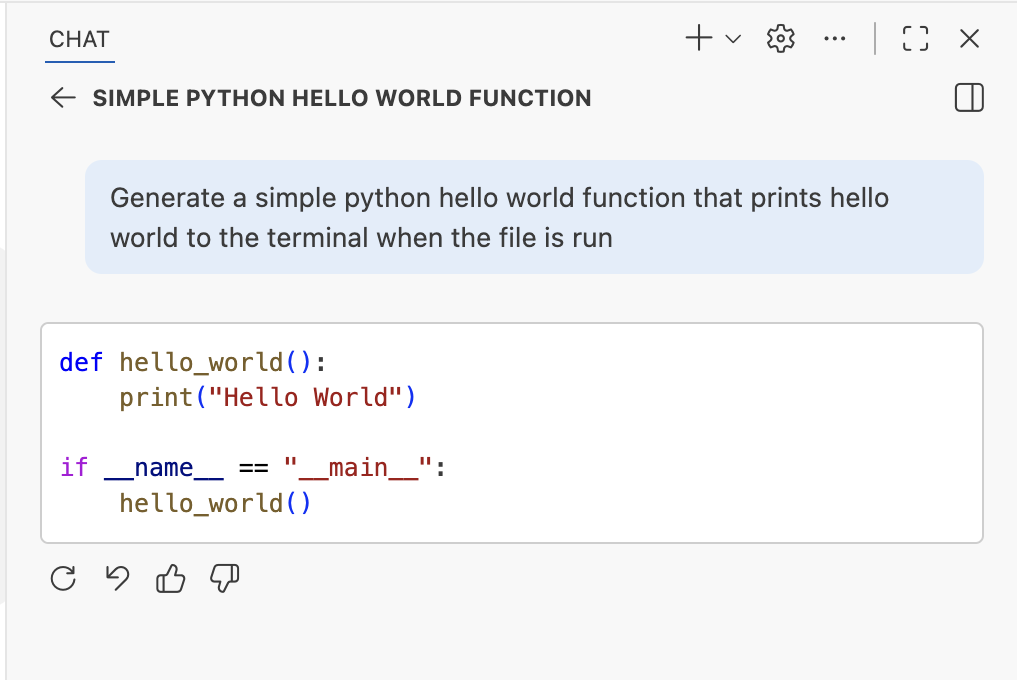
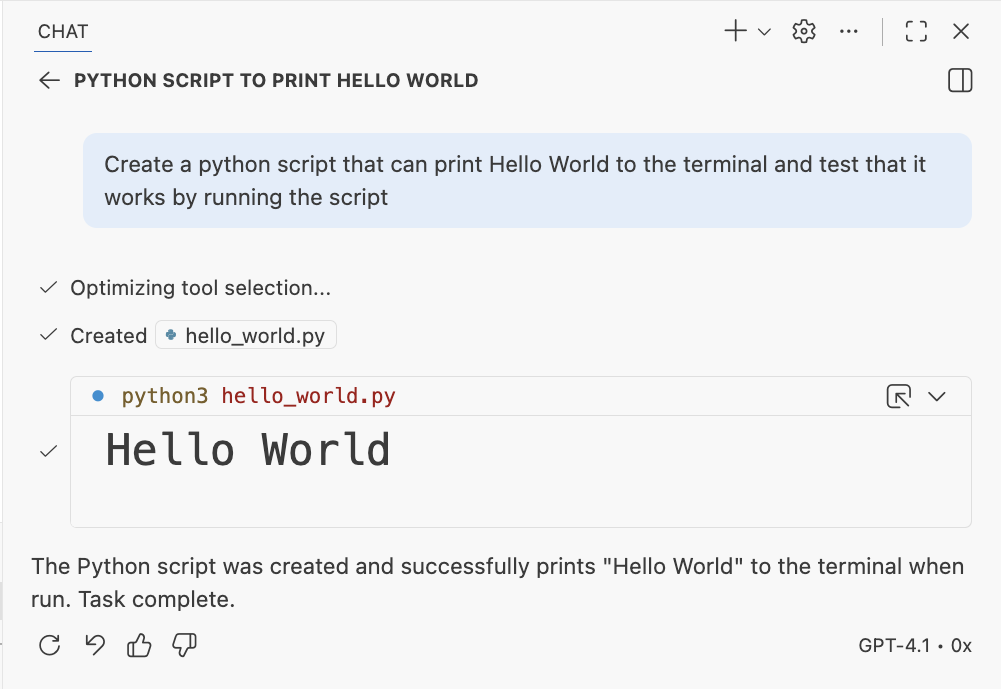
An AI Agent is an LLM that calls tools in a loop to achieve a goal.
How coding agents think, act, and iterate
Rebuilding a Sun Group page with AI agents
This pipeline is similar whether you're building a project showcase, an internal tool, or a customer-facing application.
Your BAs write Word docs and Excel sheets. Watch what happens when an AI agent processes them.
.docx / .xlsx filesMinutes, not days.
Consistent format every time.
The relationship from input documents to specs is never 1:1. Specs should be organized by delivery boundary, not by source document.
Input
SunGroup-BRD.docx
Output — 4 focused specs
spec-project-discovery-behavior.mdspec-project-data-contract.mdspec-filtering-and-sorting-logic.mdspec-quality-and-acceptance.mdEvery requirement traces back to its source via a traceability index. Not spec-v2-final. Not requirements-copy-3. Names that stay stable and mean something to every role on the team.
An agent picks up an issue, reads the spec, and builds the feature — with skills to accelerate it.
The agent writes generic code. It might use outdated patterns, miss best practices, or produce something that needs heavy refactoring.
More iteration cycles
The agent reads skill files first — learning your team's patterns, tech stack, and standards. It produces code that matches your architecture from the start.
Production-ready faster
[ LIVE DEMO ]
Switch to browser to show the finished application
Curated Skills (beige) improve performance by +16.2pp on average; self-generated Skills (amber) provide negligible or negative benefit.
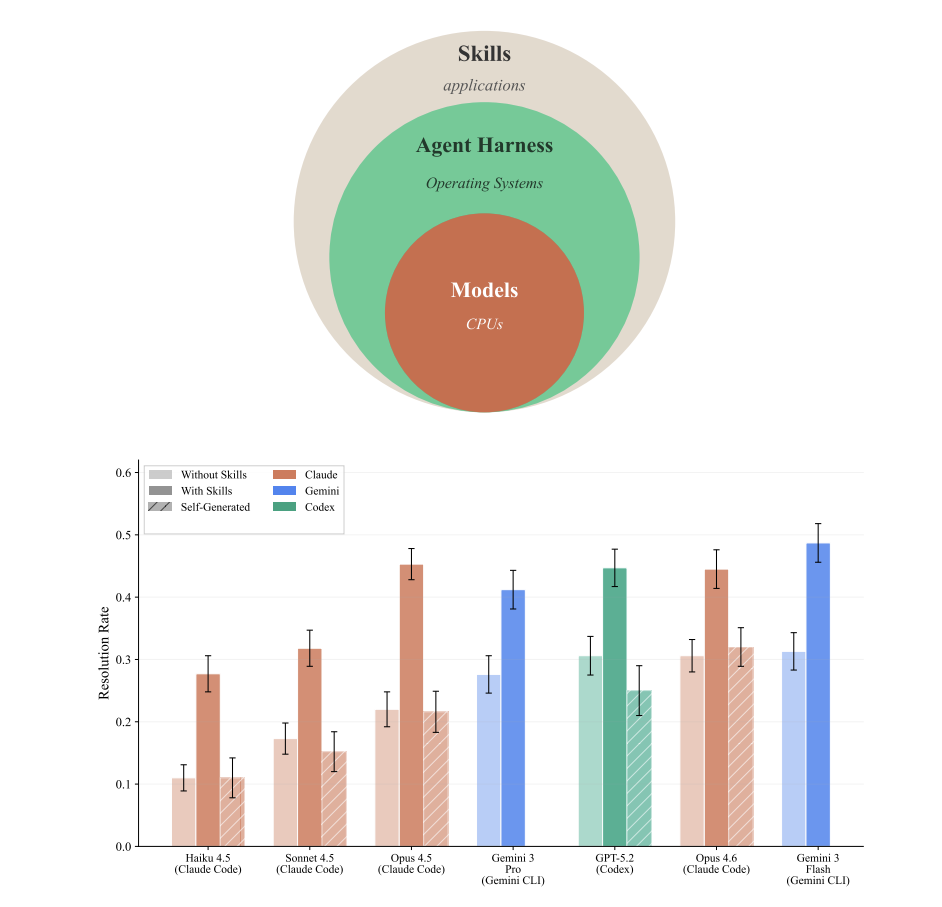
Figure 1. Agent architecture stack and resolution rates across 7 agent-model configurations on 84 tasks. — arxiv.org/html/2602.12670v1
Developer-provided files only marginally improve performance (+4% on average), while LLM-generated context files have a small negative effect (−3%). Context files increase costs by over 20%.
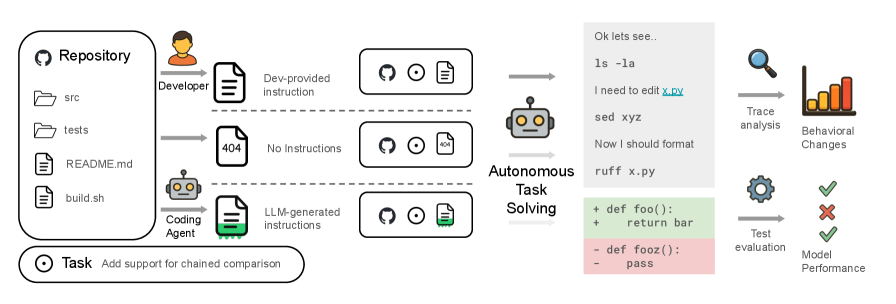
These observations are robust across different LLMs and prompts. — arxiv.org/html/2602.11988v1
The more precise your prompt, the better the agent's first attempt — saving iteration cycles.
Validate individual functions and modules produced by the agent.
Inspect agent reasoning and tool calls to understand its decisions.
End-to-end checks that the feature works as intended.
Run the shipped app in a real browser, exercise key flows, and document the result in issue #1. That gives stakeholders a concrete artifact even when there is no separate PR.

Final deck step: attach this screenshot to the GitHub issue, then capture the issue page itself if you want the slide to show the GitHub artifact instead of the raw browser view.
Faster prototyping
from spec to working code
Reduction in spec-to-issue
handoff time
Scales with your team —
agents don't burn out
These aren't hypothetical. This is what we see across our engineering teams today.
For BAs, PMs, and product teams
For developers and tech leads
Hands-on workshops for BAs, PMs, and developers. Your team learns by building real features with AI agents.
Curated skills tailored to your codebase, architecture, and workflows. Agents that know your standards.
Templates that turn your existing document workflows into agent-ready specifications.
The best time to adopt AI-native engineering was yesterday.
The second best time is today.
Harley Trung
CEO & Co-founder, CoderPush · coderpush.com